Table of Contents
- Dispatch Software for HVAC: Quick Comparison
- YourRadar: Mobile-First Workforce Management
- Field Service Management Software Pricing 2026
- Best Practices for HVAC Dispatching
- Comparison Table: Dispatch Software for HVAC
- Why Implementation Matters
- Making the Decision
- Frequently Asked Questions
Last Updated: August 31, 2026
Dispatch Software for HVAC: Quick Comparison
Choosing the right dispatch software for HVAC balances mobile accessibility, real-time tracking, and integration with existing tools without requiring technicians to become tech experts. Every minute spent fumbling with software or lost to manual scheduling reduces profitability.
Quick Picks:
- Best Overall: YourRadar, customizable feature set with mobile-first design built for trades teams
- Best for Established Operations: Service Fusion, unlimited users across all plans, strong QuickBooks integration
- Best for Budget-Conscious Teams: Square for HVAC Professionals, free tier with pay-per-transaction model
- Best for Canadian HVAC Shops: Clarro, designed specifically for Canadian service delivery with auto-dispatch
YourRadar: Mobile-First Workforce Management
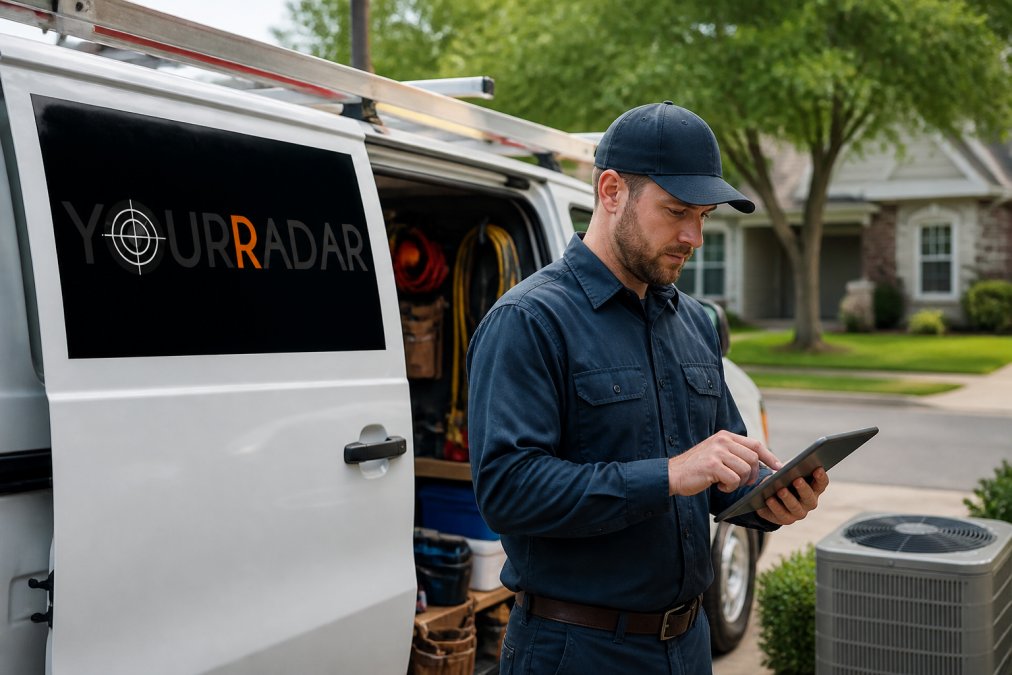
YourRadar was built by trades professionals, not software engineers guessing at field needs. Technicians access job details, customer history, and service notes directly from phones or tablets. Dispatchers assign jobs through an intuitive drag-and-drop interface, and technicians receive notifications instantly, updating job status and capturing photos in the field.
Automated timesheets generate invoices faster. YourRadar’s customizable feature set means you pay for what you need and add capabilities as your business grows.
Field Service Management Software Pricing 2026
Pricing models vary widely across dispatch software for HVAC. Subscription-based pricing ranges from $45/month for entry-level options to enterprise solutions requiring custom quotes. Freemium models like Square for HVAC Professionals offer a free tier but charge processing fees on every payment, workable for solo operators but costly beyond 5 technicians. Modular pricing lets you pick features instead of bundling everything, favoring growing businesses that start small and expand without paying for unused features.
Native QuickBooks integration saves 3-5 hours per week in duplicate data entry.
Best Practices for HVAC Dispatching
Geographic clustering minimizes travel time by grouping jobs by location and using software showing technician location, job location, and travel time estimates with route optimization.
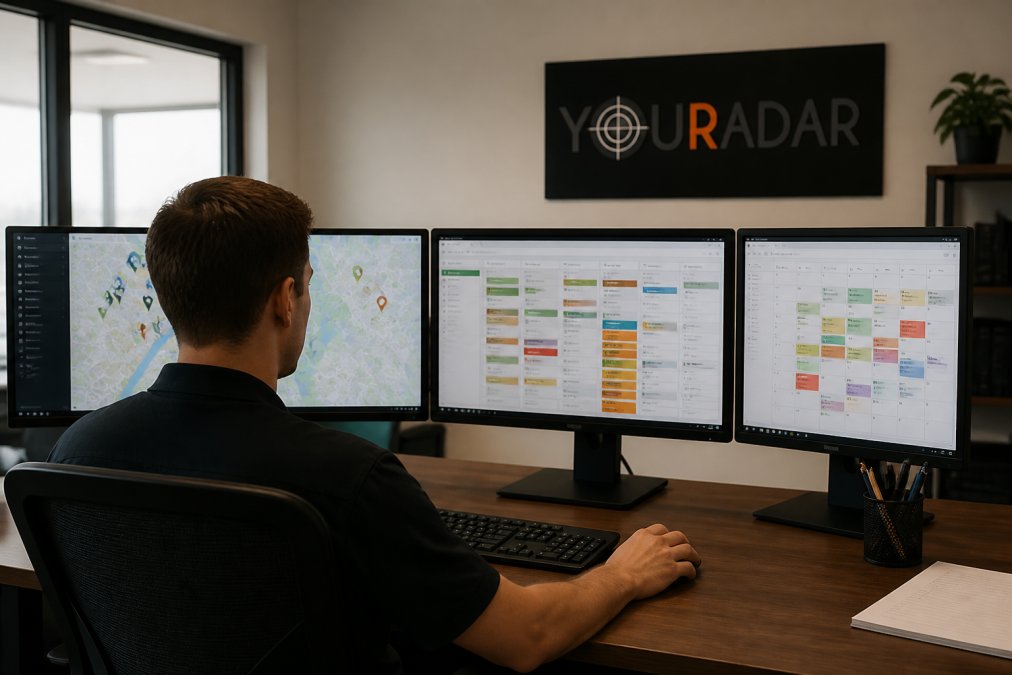
Preventative maintenance scheduling increases revenue by tracking service history and flagging units due for maintenance. Technician skill matching prevents callbacks by assigning jobs based on each technician’s strengths. Real-time communication closes gaps between office and field. Accurate time tracking ensures billing accuracy and reveals which jobs are profitable.
Comparison Table: Dispatch Software for HVAC
|
Platform |
Starting Price |
Free Trial |
Best For |
Key Differentiator |
|---|---|---|---|---|
|
YourRadar |
See pricing page |
No |
Trades teams under 50 employees |
Customizable features, mobile-first, in-house support |
|
Service Fusion |
$208/month (annual) |
No |
Growing HVAC shops |
Unlimited users on all plans |
|
Kickserv |
$60/month (annual) |
Yes |
Small service businesses |
2-way QuickBooks integration |
|
Clarro |
Contact for pricing |
Yes |
Canadian HVAC operations |
Built for Canadian service delivery |
|
Square for HVAC |
Free + processing fees |
Yes |
Solo operators |
No subscription cost, pay-per-transaction |
|
FieldEdge |
Contact for pricing |
No |
QuickBooks Desktop users |
Strong QB Desktop integration |
|
Praxedo |
Contact for pricing |
No |
Large HVAC operations |
Route optimization and compliance tracking |
Why Implementation Matters
Software is only half the battle. Implementation, training your team and migrating data, determines whether you see results or frustration. Many HVAC shops operate on legacy systems where customer history, pricing, and service records are scattered across notebooks, emails, QuickBooks, and filing cabinets. Migrating this into a modern dispatch system takes time but is essential.
Implementation timelines vary: simple setups take 1-2 weeks, while complex migrations with historical data cleanup stretch to 4-6 weeks. YourRadar’s in-house team handles implementation directly. Offline functionality matters, technicians should access job details, log time, and capture photos offline, syncing when connectivity returns.
Making the Decision
The best dispatch software depends on your business size, current tools, and tolerance for change. Ask yourself: Does your current software integrate with QuickBooks? How tech-savvy are your field technicians? What’s your biggest operational pain point?
Request a demo and trial period before committing. Most vendors offer 14-30 days free access. Run real workflows with actual jobs and have technicians use the mobile app to reveal whether the software fits your operation.
Frequently Asked Questions
Q: What features should I look for in HVAC dispatch software?
A: Prioritize automated scheduling and route optimization to reduce travel time between jobs. Real-time GPS tracking and mobile access for technicians are essential for field communication. Look for work order management, customer history tracking, and integration with accounting tools like QuickBooks. Invoicing automation and payment processing directly from the field save administrative time. For small teams, ensure the interface is intuitive—your technicians won’t use complex software. Equipment tracking and service history logs help prevent rework and improve first-time resolution rates.
Q: Is there a difference between general field service software and HVAC-specific dispatch tools?
A: HVAC-specific tools often include features tailored to your industry: flat-rate pricebooks, service agreement management with renewal tracking, preventative maintenance scheduling, and equipment database functionality. General field service software works across trades but may lack these specialized features. Some HVAC-specific platforms also prioritize technician efficiency through optimized routing and job costing specific to HVAC service models. For small shops, general software may suffice; larger operations benefit from HVAC-focused solutions that understand your billing cycles and maintenance workflows.
Q: Does HVAC dispatch software integrate with accounting tools like QuickBooks?
A: Most modern dispatch platforms integrate with QuickBooks Online or Desktop. Integration allows work orders to automatically generate invoices, sync customer data, and streamline billing cycles. This eliminates manual data entry and reduces billing errors. Before committing, verify the integration depth—some platforms offer two-way sync (changes in QuickBooks update the dispatch system and vice versa), while others are one-directional. QuickBooks compatibility is standard across YourRadar, ServiceFusion, FieldEdge, and Kickserv, making it easier to choose software that fits your existing accounting workflow.
This article was written using GrandRanker