Table of Contents
- Verdict: Which Dispatch Software Wins for Appliance Repair
- Key Strengths of Each Platform
- Dispatch Mapping Software for Field Technicians
- Automated Timesheet Software for Trades
- Field Service Management Software Pricing 2026
- What Matters Most: Decision Framework
- Common Mistakes When Choosing Dispatch Software
- Frequently Asked Questions
Last Updated: September 24, 2026
Verdict: Which Dispatch Software Wins for Appliance Repair
Choosing the right dispatch software for appliance repair is challenging. Most generic platforms fall short for small and mid-sized repair shops. The best dispatch software for appliance repair balances ease of use with powerful features that actually stick with your team.
YourRadar is built specifically for trades businesses. Unlike generic field service platforms, it prioritizes getting technicians into the field faster, reducing administrative time, and improving billing accuracy through mobile-first workforce management and dispatch mapping.
Key Strengths of Each Platform
What separates a tool your team uses from one that collects dust is specificity: does it solve problems unique to appliance repair, or is it a generic field service tool?
YourRadar: Mobile-First Workforce Management
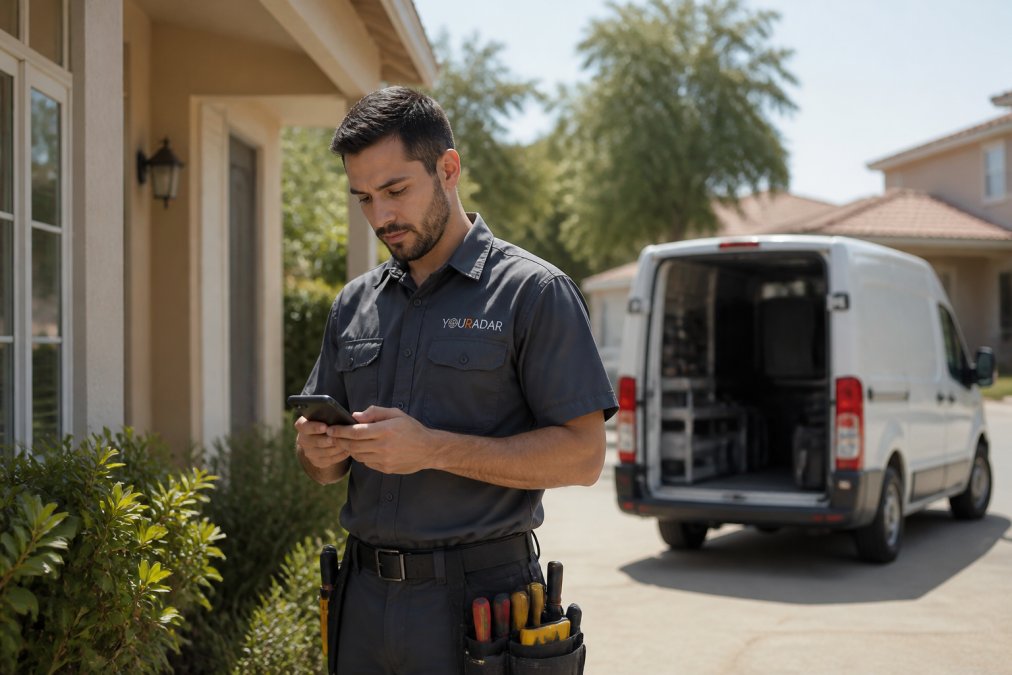
YourRadar was designed with non-tech-savvy field teams in mind. The intuitive interface and dispatch mapping show real-time technician locations without requiring complicated training.
YourRadar improves billable hours through simplified timesheet processing. Technicians log time directly from the field, eliminating manual timesheets. Dispatch mapping and customer portals provide real-time job status visibility to your office and customers.
The in-house development team provides support from people who understand your business. YourRadar is backed by KDI with over 25 years of industry experience.
Pros: Customizable feature set tailored to appliance repair workflows, simple interface for non-technical staff, dispatch mapping that actually works, in-house developer support
Cons: Requires visiting the pricing page to see current rates
QuoteIQ: Integrated Quoting and Dispatch
QuoteIQ bundles dispatching with built-in customer quoting. If your biggest pain point is the time gap between scheduling and estimates, this platform bridges that gap through automated quoting.
Starting at $299 per month, QuoteIQ combines dispatching and estimation in one platform, eliminating the need for separate tools.
Pros: Built-in dispatching and scheduling, automated customer quoting, mobile-friendly interface for field technicians
Cons: Higher entry-level monthly cost compared to basic alternatives
FieldCamp: Warranty-Network Specialists
FieldCamp specializes in warranty-network contractors. If warranty work is a significant portion of your revenue, this platform understands your operational model.
The platform includes automated dispatching, warranty-network management, and real-time location tracking. Implementation is straightforward for teams with 5-100 technicians.
Pricing requires contacting the vendor, which suggests a more consultative sales approach. This can be a plus if you want personalized setup, or a friction point if you prefer transparent pricing upfront.
Pros: Specialized support for warranty work, easy implementation for small teams, real-time location tracking
Cons: Limited public pricing transparency
ServiceWorks: Inventory and Margin Control
ServiceWorks is built for shops needing tight control over parts inventory and job profitability. If margin management is your biggest challenge, this platform provides visibility other tools skip.
Advanced inventory management tracks stock, usage per job, and reorder needs. Margin tracking per job shows which repair types are profitable. Automated dispatch and scheduling complete the core functionality.
The interface can feel complex for new users, which is the tradeoff for depth. You’re getting more power at the cost of a steeper learning curve.
Pros: Superior inventory tracking, detailed financial reporting, margin visibility per job
Cons: Interface complexity for new users
FieldEdge: Back-Office Integration
FieldEdge bridges the gap between office operations and field technician activities. If disconnects between office and field are your biggest pain point, this platform prioritizes that integration.
Seamless back-office integration connects accounting, CRM, and dispatch systems. Real-time dispatching keeps everyone aligned. Built-in customer history and equipment tracking give technicians full job context.
Setup can be resource-intensive, so budget time for implementation. The payoff is that your office team spends less time manually updating records across multiple systems.
Pros: Strong office-to-field communication, strong customer database management, seamless back-office integration
Cons: Can be resource-intensive to set up
Orcatec: Full Job Lifecycle Management
Orcatec positions itself as an all-in-one platform covering the entire repair job lifecycle: from scheduling through invoicing and payment collection. If you want one platform handling estimates, dispatch, invoicing, and payments, this consolidation reduces tool sprawl.
Integrated scheduling and dispatching keep jobs moving. Automated invoicing and payment collection mean less manual billing work. Estimate creation tools help your team quote jobs faster. The platform is less well-known than larger competitors, but that doesn’t mean it’s inferior, it just means less brand recognition.
Pros: Covers the entire job lifecycle, simplifies payment collection, integrated estimate creation
Cons: Less brand recognition than larger competitors
Dispatch Mapping Software for Field Technicians
Effective dispatch mapping reduces drive time, prevents overlapping calls, and enables intelligent routing decisions. The best dispatch software for appliance repair includes this as a core feature.
Look for real-time GPS accuracy, not 10-minute delays. The ability to reassign jobs based on technician location saves time and improves customer response.
Mobile-first platforms like YourRadar integrate mapping directly into the technician’s view. They see routes, jobs, and customer details without switching apps, increasing adoption.
Automated Timesheet Software for Trades
Timesheets are where most appliance repair shops lose money. Manual timesheet entry creates delays, billing errors, and disputes with technicians over hours worked. Automated timesheet software eliminates this friction by letting technicians log time directly from the field.
The best automated timesheet software for trades captures time at the moment the work happens, not hours later from memory. When a technician arrives at a job, they tap a button. When they finish, they tap another button. The system records the exact duration without requiring anyone to remember or transcribe anything.
Integration with your invoicing system means the hours automatically flow into customer bills. No manual data entry. No reconciliation errors. YourRadar handles this by simplifying timesheet processing, which directly increases your billable hours by eliminating administrative delays and errors.
Mobile app functionality matters here. If your timesheet tool requires a desktop login, technicians won’t use it. The app needs to work offline, sync when connectivity returns, and require minimal interaction to log time. Your team isn’t tech-savvy, so complexity kills adoption.
Field Service Management Software Pricing 2026
Pricing for field service management software varies widely based on features and deployment model. Most platforms use a per-user, per-month subscription model.
The lowest-cost option isn’t always the best value. A $15 per month tool that your team doesn’t use costs more than a $50 per month platform they adopt immediately. Evaluate total cost of ownership: the software cost plus the administrative time you save.
YourRadar pricing is available on their website. The platform offers a free trial so you can test it with your team before committing. This transparency and trial option reduce the risk of choosing wrong.
| Platform | Starting Price | Best For | Key Differentiator |
|---|---|---|---|
| YourRadar | See pricing page | Appliance repair shops 5-50 employees | Mobile-first, customizable, in-house support |
| QuoteIQ | $299/month | Shops prioritizing integrated quoting | Automated customer estimates |
| FieldCamp | Contact for pricing | Warranty-network contractors | Warranty management specialization |
| ServiceWorks | Contact for pricing | Shops focused on inventory and margins | Advanced parts tracking |
| FieldEdge | Contact for pricing | Shops needing back-office integration | Seamless accounting software integration |
| Orcatec | Contact for pricing | Shops wanting full job lifecycle | Estimates through payment in one platform |
What Matters Most: Decision Framework
Choosing between these platforms comes down to three questions. Answer these honestly, and the right choice becomes obvious.
Question 1: What’s your biggest operational pain point?
If it’s scheduling and technician tracking, YourRadar solves this immediately. If it’s billing and timesheet errors, YourRadar’s simplified timesheet processing is the answer.
Question 2: Will your team actually use this?
This is the hardest question to answer honestly. Your dispatcher might love a complex platform with 50 features.
Question 3: What’s your budget and timeline?
Before committing to any platform, run a two-week free trial with your actual team. Adoption is everything. A platform your technicians use at 80% adoption is worth more than a platform with more features that gets 20% adoption.
Common Mistakes When Choosing Dispatch Software
Most appliance repair shops make the same mistakes when evaluating dispatch software. Knowing these pitfalls helps you avoid them.
Frequently Asked Questions
What features are essential in appliance repair dispatch software?
Essential features include automated job scheduling and dispatching, real-time technician tracking via GPS, mobile access for field teams, integrated invoicing and payment processing, warranty claim management, and customer history tracking. Work order management and route optimization help technicians complete more jobs per day. A solid dispatch software should also provide customer portals for transparency and automated communication tools to reduce phone tag and scheduling conflicts.
How does dispatch mapping software for field technicians improve productivity?
Dispatch mapping optimizes route planning, reducing travel time between jobs and increasing billable hours. Real-time technician tracking lets dispatchers reassign jobs dynamically based on location, skill level, and availability. Field technicians see their route on mobile devices, eliminating guesswork about job locations. This visibility cuts idle time, reduces fuel costs, and allows dispatchers to fit more jobs into each technician’s day.
Is automated timesheet software for trades secure for Canadian businesses?
Yes, reputable platforms use encryption and comply with data privacy standards. Cloud-based solutions offer automatic backups and disaster recovery. When evaluating automated timesheet software, confirm the provider meets Canadian privacy requirements and offers role-based access controls so sensitive payroll data remains restricted. Look for platforms with audit trails and two-factor authentication. Many vendors explicitly state their security certifications and data residency policies on their websites.
Can appliance repair software integrate with accounting tools?
Most modern dispatch software integrates with accounting platforms via APIs or built-in connectors. This allows job data, invoices, and payments to flow directly into your accounting system, eliminating manual data entry and reducing billing errors. Integration capabilities vary, some platforms sync in real-time, while others batch updates daily. Before committing, confirm the software supports your specific accounting tool and that the integration covers invoicing, payment processing, and expense tracking.
What should a small appliance repair shop (5-8 technicians) prioritize in dispatch software?
Small shops should prioritize ease of use over feature complexity. Technicians and dispatchers who are not tech-savvy need intuitive mobile apps and simple scheduling interfaces. Focus on core capabilities: job scheduling, mobile dispatch, automated timesheets, and basic invoicing. Avoid bloated platforms designed for 100+ technician operations. Look for vendors offering strong onboarding support and in-house development teams that can customize the system to your workflow without requiring extensive IT resources.