Table of Contents
- Quick Comparison Table
- 1. YourRadar: Customizable Workforce Management for Trades
- 2. Jibble: Biometric Verification and GPS Accuracy
- 3. Clockify: Cost-Effective Unlimited Tracking
- 4. Connecteam: Field Crew Management with Real-Time Communication
- 5. ClockShark: GPS Time Tracking for Field Workers
- 6. Workyard: Construction Payroll Software Built for Labor Cost Control
- CRA Compliant Time Tracking: What Contractors Need to Know
- Frequently Asked Questions
Last Updated: September 18, 2026
Quick Comparison Table
| Tool | Free Tier | Starting Price | Best For | Key Strength |
|---|---|---|---|---|
| YourRadar | No | See pricing page | Trades businesses scaling up | Customizable, non-tech-friendly interface |
| Jibble | Limited | $4.99/user/month | Strict attendance verification | Biometric security and geofencing |
| Clockify | Yes | Free | Cost-conscious small teams | Unlimited users on free tier |
| Connecteam | Yes | Contact for pricing | Field crews needing communication tools | GPS clock-in plus team chat |
| ClockShark | No | Contact for pricing | Construction job costing | Geofencing and budget tracking |
| Workyard | No | $18/user/month | Labor cost control focus | High-precision GPS for job sites |
1. YourRadar: Customizable Workforce Management for Trades
Among the 10 best mobile time tracking apps for contractors 2026, YourRadar stands out because it’s built specifically for trades businesses that need to scale without sacrificing simplicity. The platform combines dispatch mapping, automated timesheets, and real-time workforce monitoring into one interface designed for crews who aren’t tech-savvy.
What sets YourRadar apart is its customizable feature set. You don’t get forced into a bloated system with tools you’ll never use. Instead, the platform adapts to your specific workflow, whether that’s field crew management, payroll integration, or job site monitoring. Backed by KDI’s 25 years of industry experience, YourRadar delivers actionable intelligence through AI and business intelligence features that give you genuine insight into operations.
The real value emerges in three areas. First, increased billable hours through simplified timesheet processing means less time spent on administrative overhead and more time tracking revenue-generating work. Second, improved workforce monitoring via dispatch mapping lets you see crews in real time without micromanaging. Third, the platform simplifies billing and auditing, a common pain point for contractors drowning in manual paperwork.
For small HVAC and plumbing shops with 5-50 employees, this is the fastest path to operational transparency. The in-house development team provides ongoing support, which matters when you need customizations that off-the-shelf tools can’t deliver. Request a demo to see how the platform handles your specific dispatch and invoicing workflows.
YourRadar’s mobile-first design means field crews adopt it naturally. The interface is intuitive, which helps address the common software adoption problem where expensive tools sit unused because crews won’t touch them.
2. Jibble: Biometric Verification and GPS Accuracy
Jibble tackles time theft head-on with facial recognition and GPS location tracking that leaves no room for buddy clocking or inflated hours. If attendance verification is your primary concern, this platform delivers security that other tools simply don’t match.
The biometric verification system uses facial recognition to ensure the person clocking in is actually the employee assigned to that job. Combined with GPS geofencing, you get a two-layer confirmation that work happened where it was supposed to happen. For contractors managing crews across multiple job sites, this accountability matters, especially when labor costs eat 40-50% of project budgets.
Jibble’s pricing structure is straightforward: $4.99 per user per month with a base fee applied. The free tier exists but includes limitations, so most contractors move to paid plans quickly. The platform handles offline mode for remote job sites, which is critical when crews work in areas with spotty connectivity.
The main limitation is that Jibble prioritizes security over simplicity. The interface requires more navigation than some competitors, and crews accustomed to one-tap clock-in systems may find it cumbersome. However, if time theft prevention justifies the extra friction, the trade-off works.
Biometric verification raises privacy concerns with some crews. Before implementing Jibble, have a conversation with your team about data handling and storage. Clear communication prevents adoption resistance.
3. Clockify: Cost-Effective Unlimited Tracking
Among the 10 best mobile time tracking apps for contractors 2026, Clockify wins on price and flexibility. The free tier lets you track unlimited team members and projects with no user limit, making it the obvious choice for contractors testing time tracking software without budget commitment.
The platform handles project-based time logging and generates detailed reporting through a clean dashboard. Cross-platform support means crews clock in from mobile, web, or desktop, whatever’s available on site. For small teams under 10 people or solo contractors, Clockify delivers everything essential.
The catch is that Clockify lacks construction-specific features on lower tiers. Geofencing, automated payroll export, and job costing require paid upgrades. If your workflow is simple, track hours, export to payroll, done, the free tier suffices. If you need GPS verification or real-time location monitoring, you’ll outgrow it.
Pricing scales affordably for paid plans, but the free tier is what drives adoption. Many contractors use Clockify as a stepping stone before upgrading to specialized construction software.
Solo contractors and micro-teams (2-5 people) who need basic time tracking without complexity or cost. Clockify removes the barrier to entry entirely.
4. Connecteam: Field Crew Management with Real-Time Communication
Connecteam bundles time tracking with team communication, job scheduling, and digital forms into one platform. For contractors juggling crew coordination alongside timesheet management, this all-in-one approach reduces tool sprawl.
The GPS-enabled time clock works alongside in-app team chat, updates, and job scheduling. This matters when your dispatcher needs to communicate schedule changes to crews in real time. Instead of phone calls or text threads, everything happens in one app. Digital forms and checklists simplify job site documentation.
The downside is feature overload. If you only need time tracking, Connecteam forces you to navigate features you won’t use. The interface is mobile-first and clean, but crews accustomed to simple one-button clocking may find extra screens frustrating. Pricing requires contacting the sales team, which typically signals higher per-user costs than basic time tracking tools.
Best for contractors who already struggle with communication fragmentation, crews missing schedule updates, dispatchers making duplicate phone calls, paperwork scattered across email and notebooks. Connecteam consolidates that chaos.
5. ClockShark: GPS Time Tracking for Field Workers
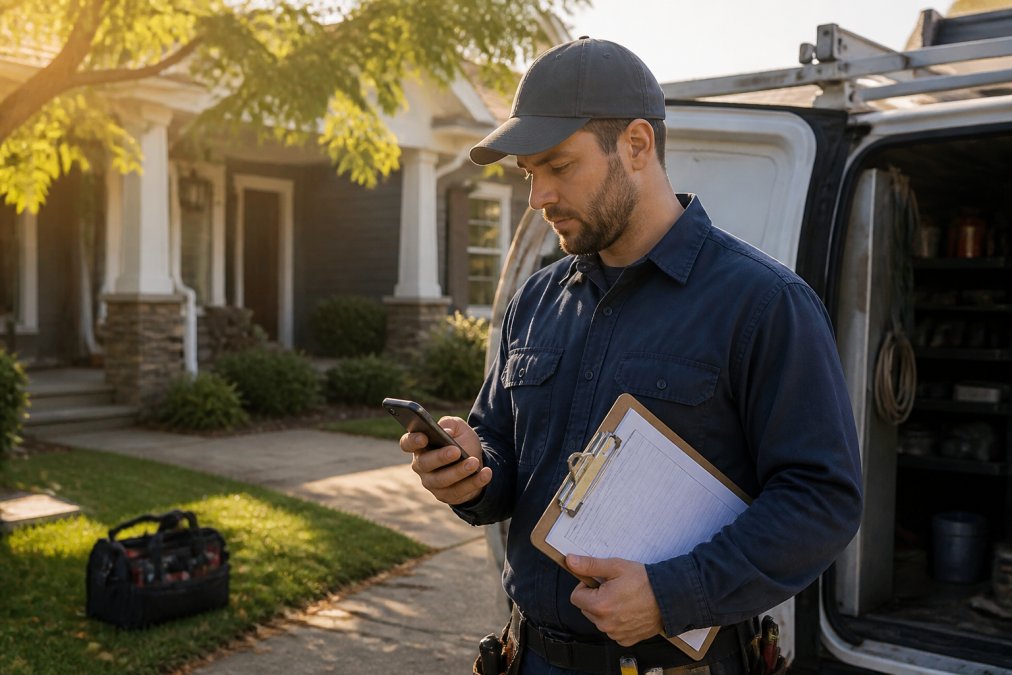
ClockShark is purpose-built for construction and field service workflows. The platform combines GPS time tracking with job costing and budget monitoring, giving you visibility into labor spend per project.
Geofencing automatically clocks crews in and out when they arrive at or leave a job site. This eliminates the “forgot to clock in” excuse and ensures accurate time tracking without manual entry. The job costing features let you track actual labor costs against budgets in real time, revealing which projects are profitable and which ones bleed money.
The platform integrates with accounting software, simplifying payroll export. For contractors managing multiple concurrent jobs, this integration prevents the manual data entry that creates errors and delays. Real-time project costing reports show labor productivity per crew member, helping you identify efficiency gaps.
ClockShark requires contacting sales for pricing, which suggests a mid-market price point. There’s no free tier, so commitment is higher than freemium competitors. However, the construction-specific features justify the cost if job costing accuracy matters to your bottom line.
ClockShark’s geofencing prevents time theft while automating the clock-in process, no crew resistance because there’s nothing to remember. This combination of security and convenience is rare in construction software.
6. Workyard: Construction Payroll Software Built for Labor Cost Control
Workyard starts at $18 per user per month and positions itself as the premium option for contractors obsessed with labor cost accuracy. The platform delivers high-precision GPS tracking and detailed job costing reports that feed directly into payroll.
The standout feature is automated payroll data export. Workyard captures hours, applies overtime calculations, and exports payroll-ready data to your accounting system. This eliminates manual timesheet entry and the errors that come with it. For contractors managing subcontractors alongside employees, the crew management tools handle both relationships.
The higher per-user cost reflects the construction-specific focus. This isn’t a generic time tracker adapted for trades, it’s purpose-built for the industry. Job costing reports break down labor spend by project, crew, and task, giving you the granularity needed to bid accurately and identify unprofitable work patterns.
The main trade-off is price. Workyard costs more than Clockify or Jibble on a per-user basis. For teams over 15 people, the cost adds up quickly.
CRA Compliant Time Tracking: What Contractors Need to Know
Time tracking software must align with Canada Revenue Agency requirements for payroll deduction and employment records. The CRA expects employers to maintain accurate records of hours worked, wages paid, and deductions applied. Mobile time tracking apps help meet these requirements, but the onus remains on you to implement them correctly.
Core CRA Requirements
Integration and Data Integrity
Hardware and Offline Considerations
Data Privacy and Worker Surveillance
Record Retention and Audit Readiness
Frequently Asked Questions
What features should contractors look for in a mobile time tracking app?
The best mobile time tracking apps for contractors include GPS location tracking, offline mode for remote job sites, automated payroll integration, geofencing for automatic clock-ins, and biometric verification to prevent time theft. Look for apps that offer real-time activity logs, job site monitoring, and detailed reporting that tracks labor productivity by project. Mobile app usability is critical, your field crew won’t use software that’s difficult to navigate on jobsite conditions.
How does GPS time tracking improve field crew management?
GPS-enabled time tracking provides real-time location data, allowing dispatchers to monitor mobile workforce positions and verify employees are on-site during billable hours. Geofencing automatically triggers clock-ins and clock-outs when crews arrive at or leave job locations, reducing manual entry errors and time theft. This transparency improves field-to-office communication, helps with work order tracking, and provides accurate labor cost data for project costing and budget management.
Are mobile time tracking apps compliant with CRA payroll requirements?
CRA compliant time tracking apps must maintain accurate, auditable records of hours worked, including timestamps and job assignments. Most modern platforms store data in cloud-based systems with activity logs and audit trails that satisfy record-keeping obligations. However, compliance depends on how you configure the app, ensure your chosen solution captures all required payroll data, supports automated timesheet generation, and exports formats compatible with your accounting software for seamless payroll processing.
How can mobile time tracking reduce administrative time and billing errors?
Automated timesheets eliminate manual data entry, reducing payroll processing time by hours each week. Real-time clock-in and clock-out records prevent billing disputes and ensure accurate overtime calculation. Integration with payroll systems means timesheet data flows directly into your accounting software, cutting administrative overhead. Digital punch clock records also create an audit trail for compliance reporting and make it easier to track billable hours by project, improving invoicing accuracy and cash flow.