Table of Contents
- Why Non-Tech Crews Need Purpose-Built Software
- Essential Software Categories for Non-Technical Teams
- How to Train Non-Technical Employees on New Software
- Choosing User-Friendly Project Management Software
Last Updated: August 12, 2026
Why Non-Tech Crews Need Purpose-Built Software
Trades businesses operate differently than office-based companies. Your team is in the field managing schedules on the fly, communicating job updates via phone calls, and processing invoices days after work wraps. Most software is built for knowledge workers, not field teams. A dispatcher managing 12 technicians doesn’t need marketing automation or advanced analytics, they need to see where their crew is, confirm job completion, and get an invoice out the same day. The right software removes friction from operations, reduces administrative overhead, and keeps your crew focused on billable work instead of paperwork.
Essential Software Categories for Non-Technical Teams
Non-tech crews need software in specific categories. Here’s what actually moves the needle for trades businesses.
Dispatch and Scheduling Tools: Your dispatcher needs to assign jobs, update technicians in real time, and track completion. Mobile-first dispatch platforms let your crew see their route, confirm arrival, and mark jobs done without returning to the office.
Timesheet and Invoicing Software: Manual timesheets are a revenue leak. Automated timesheets that sync with invoicing reduce errors and speed up billing. Your crew logs time on mobile, and the system feeds directly into customer invoices.
Communication Platforms: Real-time messaging between dispatch and crew keeps everyone aligned. Instant communication prevents delays on job changes, customer questions, or safety issues.
Cloud-Based Collaboration Tools: Your office staff and field crew need a single source of truth for customer information, job history, and notes. Cloud platforms ensure everyone sees the same data.
Workflow Automation: No-code automation platforms let you create workflows without coding. A job completion triggers a customer notification. A new booking triggers a dispatch assignment.
The mistake most trades businesses make is trying to run everything through accounting software or a generic CRM. These tools handle data entry, not field operations.
How to Train Non-Technical Employees on New Software
Rolling out new software to a non-tech team requires a different approach than training office staff.
Start with the Mobile App First: Most of your crew will interact with software through a phone or tablet. Begin training on the mobile interface. Show them the three things they’ll do most: check their schedule, update job status, and submit timesheets.
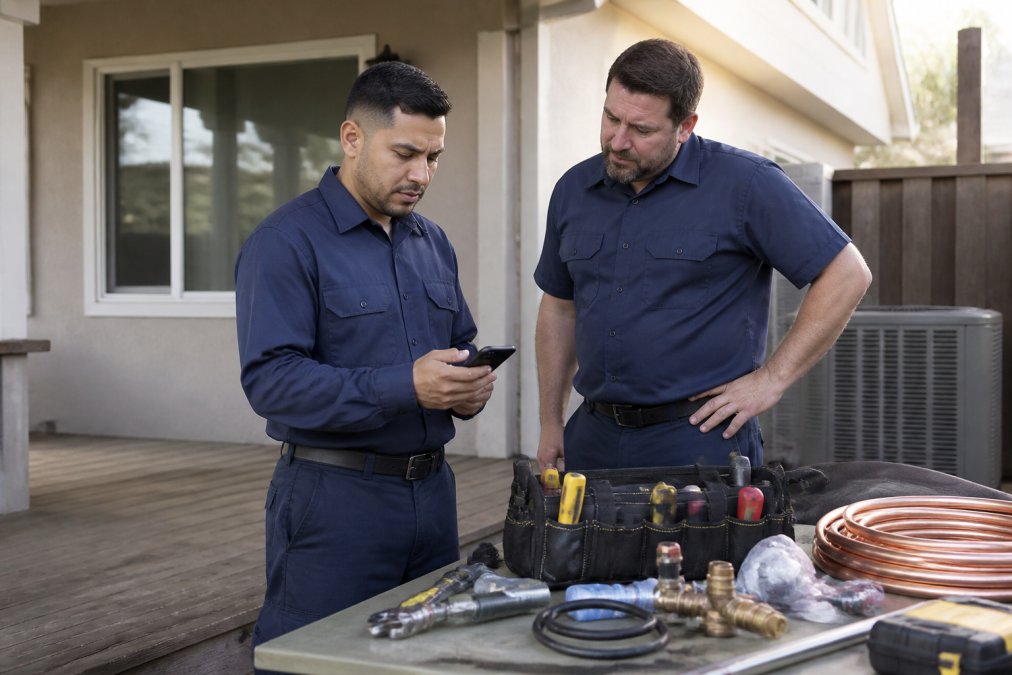
Use Real Jobs as Training Material: Don’t create fake scenarios. Use actual upcoming jobs. Walk your crew through assigning a real job, seeing it on their phone, and marking it complete.
Keep Initial Training Under 30 Minutes: A focused 20-minute walkthrough of core features is better than a 2-hour session. Cover dispatch, timesheets, and customer communication.
Assign a Power User as Your Champion: One person on your team will pick up the software faster. Make them your go-to resource. This reduces pressure on management and builds peer confidence.
Build in Hands-On Practice Time: After the initial walkthrough, let your crew spend 15-20 minutes using the software with real data before they go to jobs.
Expect a Learning Curve, Plan for It: Your crew will be slower on day one. Build extra time into your schedule for the first week. Most teams see full adoption within two weeks.
Make Feedback Easy: Create a simple way for your crew to report issues, a Slack channel, email, or quick form. Fix the easy ones fast.
Choosing User-Friendly Project Management Software
Project management software for non-tech crews looks different than enterprise tools. You’re managing job schedules, customer communication, and crew coordination.
Look for Mobile-First Design: If the software is built for desktop first and mobile is an afterthought, skip it. Your crew works from phones.
Prioritize Simplicity Over Features: A platform with 50 features your crew will never use creates confusion. You want software that does three things exceptionally well: show jobs, update status, and communicate changes.
Check Integration with Your Existing Tools: The right project management software should plug into what you have, not replace everything. Can it connect to your accounting system without manual data entry?
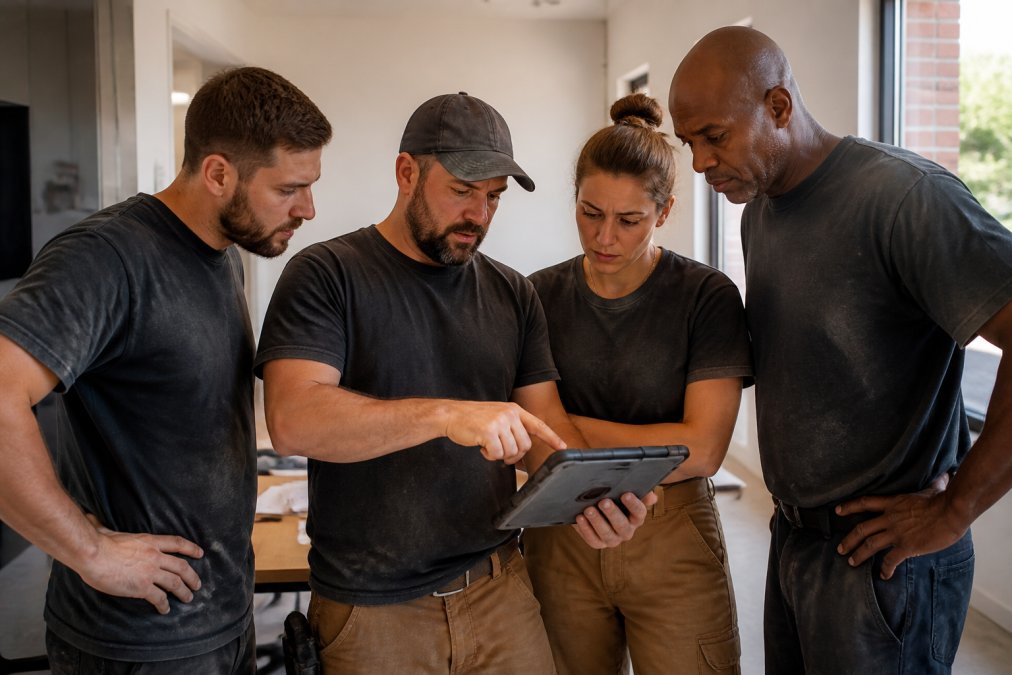
Test with Your Team Before Committing: Have your dispatcher and two technicians use it for a real week. Their feedback is gold.
Evaluate Onboarding Support: Ask vendors specifically: how long until your dispatcher can assign a job and your crew can see it on their phones?
Consider Your Growth Path: You might have 5 technicians today and 15 in two years. Does the software scale without a complete re-setup?
YourRadar is built specifically for this. It’s designed for crews that haven’t used workforce management software before. The mobile app works offline (critical for field teams).
Free and Discounted Software Resources for Non-Tech Teams
Budget constraints are real for small trades businesses. Here’s where you can find affordable or free tools.
Free Communication Platforms: Microsoft Teams includes chat, video, and file sharing at no additional cost if you have Microsoft 365. Slack has a free tier with limited message history.
Free Project Management Basics: Trello offers a free tier with unlimited cards and basic board management. Trello’s free tier documentation outlines what’s included.
No-Code Automation: Zapier has a free tier that lets you create basic automations connecting different tools. Zapier’s automation guides walk you through common workflows.
Cloud Collaboration: Google Workspace and Microsoft 365 both include cloud storage, document collaboration, and basic project tracking.
The tradeoff with free tools is limited features and integration. As your business grows, you’ll likely need something more comprehensive.
Choosing software for non-tech crews comes down to one principle: it has to work the way your crew actually works. Your team is in the field managing real jobs. The software should make their day easier, not add complexity.
The right platform reduces administrative time, improves communication between office and field, and increases billable hours through simplified timesheets and faster invoicing. YourRadar delivers this through customizable dispatch mapping, automated timesheets, and mobile-first design backed by 25 years of trades industry experience. Request a YourRadar demo to see how it works with your workflow.
Frequently Asked Questions
What features should non-technical crews look for in software?
Prioritize mobile-first design, intuitive interfaces that require minimal training, and automation that reduces manual data entry. Look for tools that work offline, offer clear visual feedback (like status icons), and integrate with existing systems. Support quality matters: ensure the vendor offers in-house technical assistance or responsive customer support. Avoid feature-heavy platforms; simpler tools with core functionality are more likely to achieve adoption among non-tech users.
How can you improve software adoption among non-technical employees?
Start with peer champions—identify respected team members to learn the tool first and mentor others. Frame training around real job tasks, not software features. Use mobile-first platforms your crew already carries daily. Keep initial training short (15-30 minutes) with hands-on practice. Celebrate early wins publicly. Address resistance by showing how the software reduces their administrative burden, not adds to it. Continuous support from vendors with in-house developers ensures you can troubleshoot quickly when issues arise.
Are there free or low-cost software options for small operations?
Yes. Many platforms offer free tiers or low-cost entry points designed for small teams. Connecteam includes a free plan; Trello and HubSpot CRM offer robust free versions. Microsoft Teams is included with Microsoft 365 subscriptions many businesses already have. However, free tiers often lack advanced features like dispatch mapping or integrated invoicing. For field service teams, purpose-built solutions like YourRadar, ProgressionLIVE, or Connecteam provide better value than cobbling together multiple free tools, even at a modest monthly cost.
How long does software implementation typically take for non-technical teams?
Basic setup usually takes 1-4 weeks depending on complexity and team size. Mobile-first platforms designed for field crews often deploy faster than traditional enterprise software. The real timeline depends on data migration, integrations with accounting or scheduling systems, and staff training. Vendors with in-house development teams can customize workflows to match your operations, reducing the learning curve. Plan for at least 2-3 weeks of hands-on training before full rollout, with ongoing support for edge cases.
What's the difference between off-the-shelf and custom software for non-tech users?
Off-the-shelf software is pre-built, faster to deploy, and typically more affordable—ideal for standard workflows like scheduling or invoicing. Custom software is tailored to your exact processes but costs more and takes longer to build. For non-technical crews, off-the-shelf solutions designed specifically for your industry (trades, field service) usually strike the best balance: they're intuitive enough for your team and specialized enough to handle real workflows without heavy customization.