Table of Contents
- Why Small Teams Need a Field Service App
- Field Service Management Software Pricing 2026
- Automated Timesheet Software for Field Workers
- Field Service Dispatch Mapping Tools
Last Updated: August 21, 2026
Why Small Teams Need a Field Service App
A field service app transforms how you manage jobs, track technicians, and bill customers. Without one, you’re stuck juggling spreadsheets, phone calls, and paper invoices, work that pulls you away from growing the business.
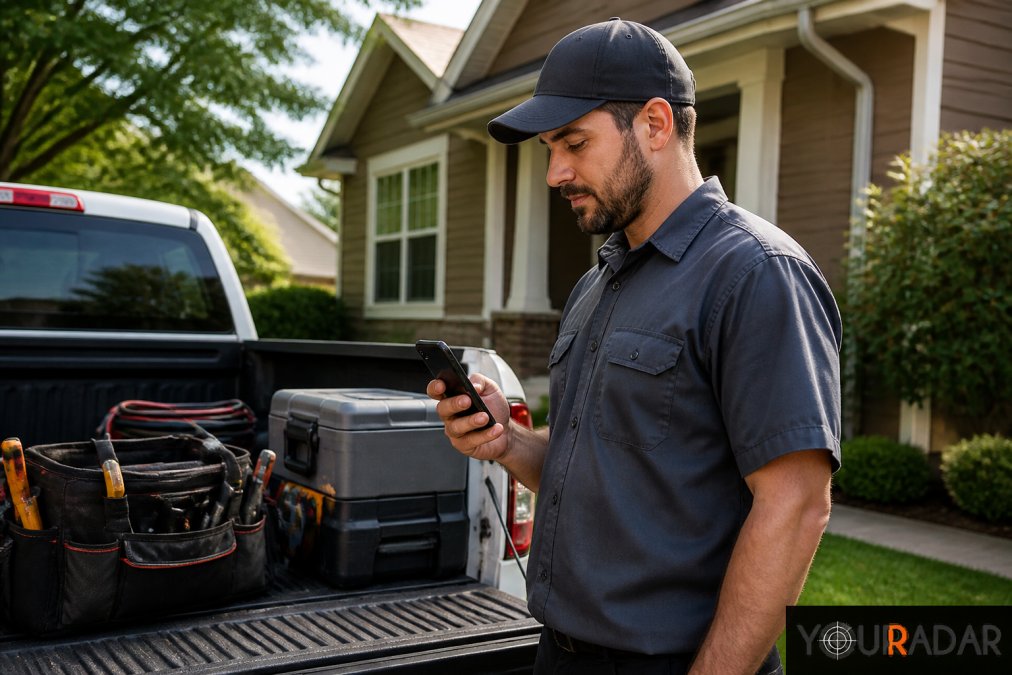
The core problem small teams face is visibility. Your dispatcher knows where people are, but your office staff and technicians lack customer history at their fingertips. You’re spending hours reconciling timesheets against invoices. A field service app closes these gaps. When teams under 20 people adopt proper scheduling and dispatch software, they see faster job completion, fewer scheduling conflicts, and cleaner invoicing (peer-reviewed research). Less time on administration means more billable hours and better margins without hiring more people.
YourRadar, built for trades businesses, handles this through a mobile-first interface designed for non-tech-savvy technicians. Customizable workflows prevent forcing your operation into someone else’s template. The platform integrates timesheet tracking with dispatch mapping, so your office sees real-time location data while technicians get job details, customer history, and equipment notes on their phones.
Field Service Management Software Pricing 2026
Most platforms charge per user, per month. A 5-person team pays less than a 15-person team, but costs scale as you hire.
YourRadar offers various pricing plans, which can be found on their website. For other platforms, Connecteam offers a free plan for up to 10 users. ServiceM8 uses per-job pricing, which can be fairer for variable workloads.
Don’t just compare monthly costs. Factor in implementation time, training, and integration with existing accounting software. A cheaper tool requiring manual QuickBooks entry costs more in labor than a slightly pricier platform with direct integration.
|
Platform |
Starting Price |
Pricing Model |
Free Tier |
Best For |
|---|---|---|---|---|
|
YourRadar |
See website |
Per user |
No |
Customizable needs, non-tech teams |
|
Connecteam |
Free (up to 10 users) |
Per user (paid plans) |
10 users |
Budget-conscious small teams |
|
Kickserv |
$60/month (2 users) |
Per user |
30-day free trial |
Accounting integration priority |
|
ServiceM8 |
$0/month (1 user, 30 jobs) |
Per job |
Yes (30 jobs/month, 1 user) |
Variable-volume operations |
|
Field Force Tracker |
$19.99/user/month |
Per user |
Yes |
Customizable industry modules |
Automated Timesheet Software for Field Workers
Automated timesheet software eliminates manual entry, reduces payroll errors, and gives you accurate labor costs per job (shrm.org). The best solutions use GPS tracking and mobile check-in. A technician arrives at a job, taps the app to clock in, and the system records time and location automatically.
YourRadar’s timesheet integration connects to dispatch data, so clocking in automatically links labor to that work order. When you run payroll, you’re pulling directly from verified clock-in times. The same data flows to invoicing, ensuring billable hours are accurate. This also creates an audit trail for compliance. If a customer disputes an invoice, you have timestamped evidence of when work began and ended.
Field Service Dispatch Mapping Tools
Dispatch mapping shows technician locations in real time and optimizes route efficiency. For teams managing multiple jobs across a service area, this is where you save hours or waste them.
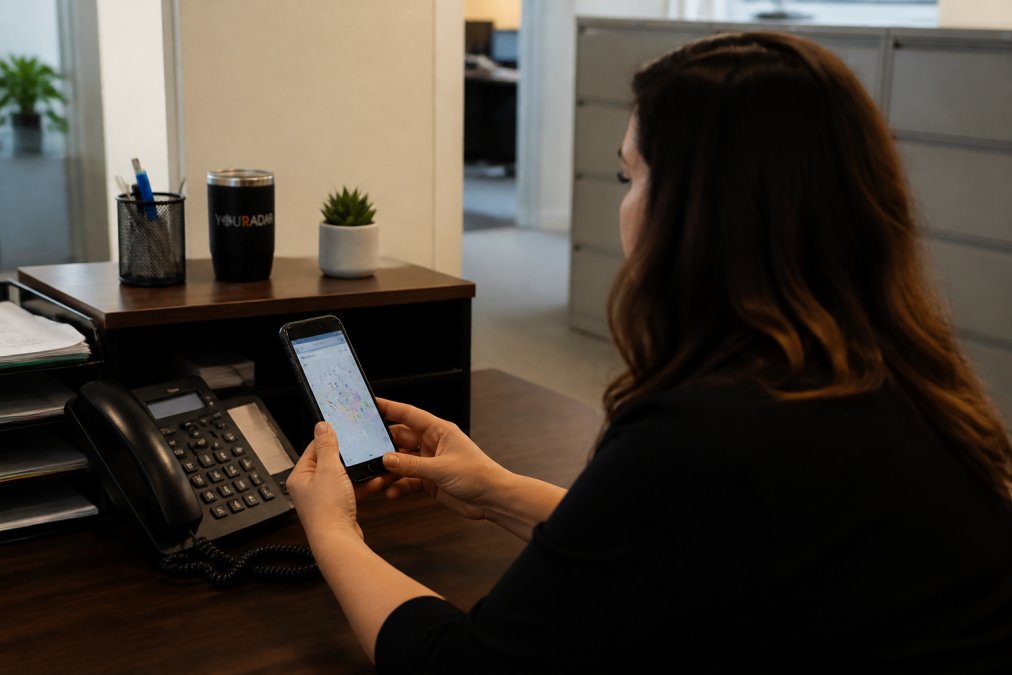
Real-time visibility lets your dispatcher reassign jobs based on who’s closest. If a customer cancels, you know which technician can pick up a nearby job instead of driving to an empty address. Route optimization algorithms calculate the most efficient path across multiple stops, reducing fuel costs and travel time (transportation.gov).
YourRadar’s dispatch mapping integrates with work order data, so technicians see job details, customer history, and equipment notes alongside their route.
Choosing the right field service app depends on three factors: ease of use for non-technical staff, integration with your accounting system, and pricing that scales with growth. YourRadar delivers all three with a mobile-first design built for trades businesses, direct QuickBooks integration, and per-user pricing that stays manageable as you add staff. Request a demo to see how automated dispatch, timesheet tracking, and real-time visibility eliminate administrative overhead costing you billable hours.
=== FAQ ANSWERS (audit these too, same rules) ===
[1] Q: What features should a small team look for in a field service app? A: Small teams need mobile-first design, automated scheduling and dispatching, real-time technician tracking, work order management, and invoicing integration. The app should be easy for non-tech-savvy field workers to use without extensive training. Look for platforms that offer offline functionality so technicians can work without constant connectivity. Customer portals and automated notifications reduce back-and-forth communication, freeing up your dispatcher to focus on operations. [2] Q: How much does field service management software cost for small teams? A: Pricing varies by platform and team size. Most field service management software pricing 2026 models charge per user monthly, ranging from free tiers for basic features to $60+ per user per month for comprehensive solutions. Some platforms offer flat-rate pricing based on job volume instead. Visit each provider’s pricing page for current rates and free trial options. Factor in implementation costs and training time when budgeting. [3] Q: How do automated timesheet software for field workers improve billing accuracy? A: Automated timesheet software for field workers eliminates manual time entry errors and reduces administrative overhead. Technicians clock in and out via mobile app, with GPS verification and offline capability. This creates accurate records for billing, payroll, and compliance. Streamlined timesheets mean faster invoice generation and fewer billing disputes. Integration with accounting software ensures data flows directly to invoicing, cutting processing time significantly.Frequently Asked Questions
What features should a small team look for in a field service app?
Small teams need mobile-first design, automated scheduling and dispatching, real-time technician tracking, work order management, and invoicing integration. The app should be easy for non-tech-savvy field workers to use without extensive training. Look for platforms that offer offline functionality so technicians can work without constant connectivity. Customer portals and automated notifications reduce back-and-forth communication, freeing up your dispatcher to focus on operations.
How much does field service management software cost for small teams?
Pricing varies by platform and team size. Most field service management software pricing 2026 models charge per user monthly, ranging from free tiers for basic features to $60+ per user per month for comprehensive solutions. Some platforms offer flat-rate pricing based on job volume instead. Visit each provider's pricing page for current rates and free trial options. Factor in implementation costs and training time when budgeting.
How do automated timesheet software for field workers improve billing accuracy?
Automated timesheet software for field workers eliminates manual time entry errors and reduces administrative overhead. Technicians clock in and out via mobile app, with GPS verification and offline capability. This creates accurate records for billing, payroll, and compliance. Streamlined timesheets mean faster invoice generation and fewer billing disputes. Integration with accounting software ensures data flows directly to invoicing, cutting processing time significantly.