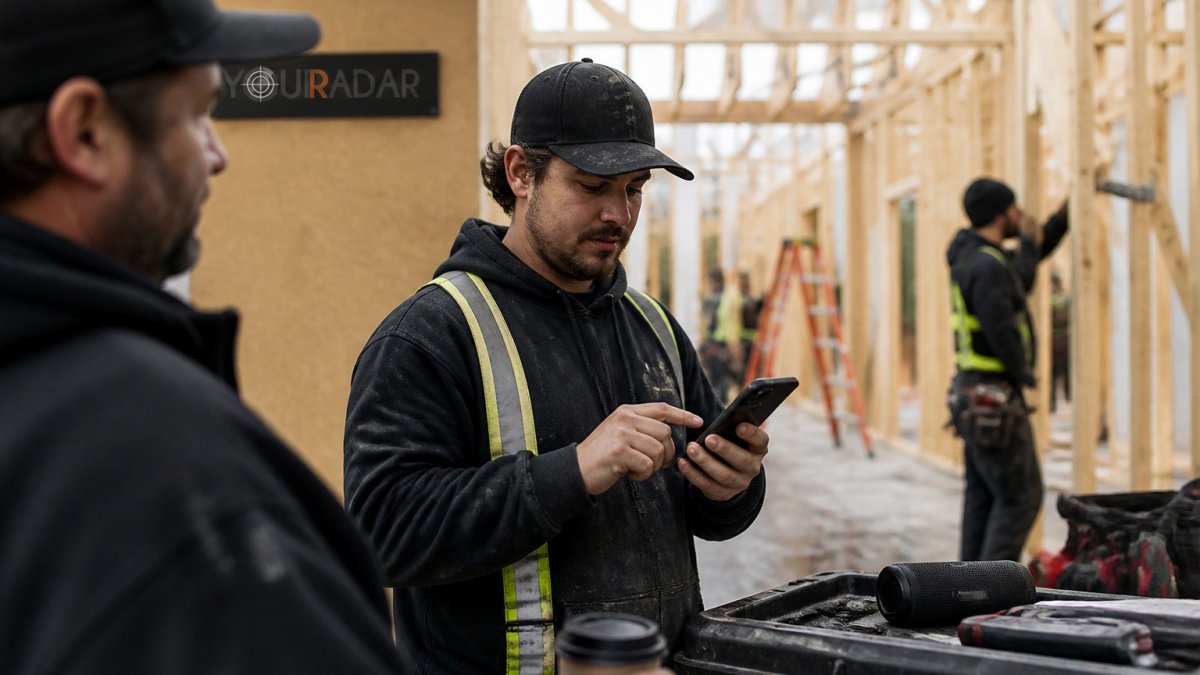
Last Updated: October 31, 2026
Quick Summary
Intuitive software helps labor teams by letting crews complete routine tasks with minimal training, cutting the gap between hours worked and hours billed. It also gives dispatchers better visibility, reduces administrative paperwork, and keeps office staff and technicians working from the same job information.
- Automated time capture reduces the gap between hours worked and hours billed.
- Dispatchers can see crew locations and adjust schedules without many phone calls.
- Digital job records cut the paperwork that follows every visit.
- Records kept in one place make invoice checks and internal audits easier.
- Run a one-week scheduling pilot with one crew and track dispatcher phone calls.
Table of Contents
- Why Manual Labor Teams Struggle With Complicated Software
- Benefits of Intuitive Software for Manual Labor Teams at a Glance
- Automated Employee Scheduling Benefits for Field Crews
- Digital Time Tracking for Field Workers Without the Paperwork
- Employee Scheduling Software for Field Teams and Shift Coverage
- Field Service Management Software and Office-to-Field Visibility
- Measuring Results and Rolling Out Intuitive Software With Your Crew
- Booking Your YourRadar Demo to See the Fit for Your Crew
- Frequently Asked Questions
Why Manual Labor Teams Struggle With Complicated Software
Most field crews are not avoiding technology because they dislike progress. They avoid complicated software because it adds steps to a day that already runs on tight timing. A plumber on a residential call does not have time to log into a desktop dashboard between jobs, and a dispatcher juggling several crews needs answers in seconds, not menus.
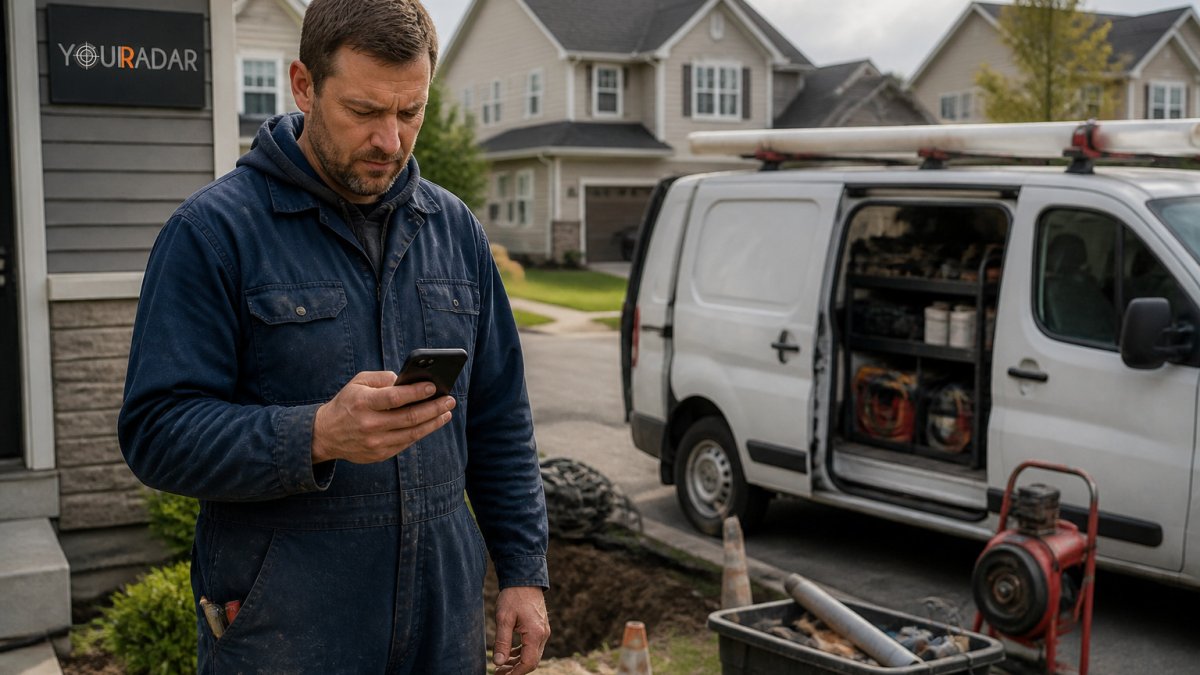
The problem is not usually the workers themselves. It is the gap between how office software is designed and how field work actually happens. Many trades businesses buy a platform built for desk-based teams, then ask technicians to use it with dirty hands, poor signal, and a customer waiting at the door.
A common mistake is assuming that one training session will fix low adoption. Crews tend to return to paper or text messages when a tool slows them down during a job. The result is duplicate data entry, late timesheets, and invoices that take longer to reconcile.
YourRadar is a mobile-driven workforce management platform for trades businesses. Its design centers on the tasks field workers repeat each day, such as recording time and sharing job details with the office.
Benefits of Intuitive Software for Manual Labor Teams at a Glance
Intuitive software can let crews complete routine tasks with minimal training. The benefits show up in a few consistent areas.
- Faster timesheet processing. Automated time capture reduces the gap between hours worked and hours billed.
- Better dispatch visibility. Dispatchers can see where crews are and adjust schedules without a stack of phone calls.
- Less administrative work. Simplified scheduling and digital job records cut the paperwork that follows every visit.
- Cleaner billing and audits. Records kept in one place make invoice checks and internal audits easier to complete.
- Shared access across the office and the field. Office staff and technicians work from the same job information.
These gains are most noticeable when the software matches the skill level of the people using it. Simple, easy-to-use software suits non-technical staff.
The article lists five areas where intuitive software tends to help manual labor teams, summarised below.
|
Benefit |
Area it improves |
How it shows up |
|---|---|---|
|
Faster timesheet processing |
Time tracking |
Less gap between hours worked and hours billed |
|
Better dispatch visibility |
Scheduling |
Dispatchers adjust schedules without many phone calls |
|
Less administrative work |
Paperwork |
Simpler scheduling and digital job records |
|
Cleaner billing and audits |
Invoicing |
Records in one place ease invoice checks |
|
Shared access across office and field |
Coordination |
Office staff and technicians use the same job information |
Automated Employee Scheduling Benefits for Field Crews
Automated employee scheduling can give field crews clear assignments with less manual back-and-forth. The value is not just speed, it is the reduction of the small frictions that compound across a week of service calls.
For a deeper look at scheduling tools, see Government of Canada small business resources.
Digital Time Tracking for Field Workers Without the Paperwork
Digital time tracking replaces paper timesheets with entries made on the job or at the end of each visit. Explore automated timesheet software for plumbing to see which options trade crews use to drop paper entirely. For trades businesses, the main benefit is accuracy, since hours logged the same day are less likely to be missed or estimated.
Paper timesheets often get filled in at the end of the week from memory. A technician who worked six jobs on Tuesday may round 7:45 a.m. to 8:00 a.m. and 4:50 p.m. to 5:00 p.m., and those small estimates add up across a crew. Digital entries made during or right after a job reduce that error rate and give managers a current view of labor costs. The key word is “right after”: if the app takes thirty seconds to open and requires a login each time, workers will batch their entries at the end of the day and reintroduce the same memory problem the software was meant to solve.
This is where mobile-first design matters. Features worth testing on a real job site include how the mobile app handles poor signal and whether time entries can carry notes so the office has context. Compare mobile time tracking apps for contractors to see which options fit a field crew’s daily routine.
Adoption is the real barrier. A common pattern is for a crew to use the app for a week, hit a confusing screen during a busy day, and quietly revert to paper. To prevent that, roll out time tracking with one crew first, watch where they hesitate, and simplify the flow before expanding. Plain-language labels matter here.
Measuring the change is straightforward if you set a baseline. Before launch, record how long timesheet processing takes each week, how many billing disputes arise per month, and how often payroll corrections are needed. Compare those figures after 60 to 90 days. A drop in corrections and disputes is a more credible signal than any feature list.
Employee Scheduling Software for Field Teams and Shift Coverage
Scheduling software for field teams has to handle more than shift times. It must account for travel, job duration, skills, and emergency calls. Crews also need to know who is covering a shift when someone calls in sick.
A useful test is whether a dispatcher can reassign a job in under two minutes from a phone. If the answer is no, the software is likely adding friction instead of removing it.
Field Service Management Software and Office-to-Field Visibility
Field service management software connects the office with the people doing the work. The strongest platforms show job status, technician location, and customer details in one view, which reduces the calls and texts that eat into the day. Compare the best tools for field workforce management to see how different platforms handle this view.
Visibility works in both directions. Technicians see updated job notes before they arrive, and office staff see completed work as it happens.
YourRadar supports this visibility through dispatch mapping and customer portals.
Measuring Results and Rolling Out Intuitive Software With Your Crew
A rollout succeeds when the team can point to specific changes. Before launch, record how long timesheets take to process, how many billing errors occur each month, and how often dispatchers reschedule jobs. Compare those figures after 60 to 90 days.
Adoption deserves the same attention as features. Start with one crew, gather feedback from the people using the mobile app every day, and adjust settings before rolling out to the whole company.
Owners who notice repeated workarounds, delayed invoices, or dispatchers relying on spreadsheets may be ready for a change. Check signs your business has outgrown current management software to confirm whether your current tools are holding the crew back.
One customer reports that the software made invoice processing easier and kept files in one place for both the office and the field. Results will vary by business, so measure your own baseline before and after.
Booking Your YourRadar Demo to See the Fit for Your Crew
The best way to judge intuitive software is to test it with the people who will use it. A demo shows how the mobile app, dispatch mapping, and timesheet tools work in a real workflow.
Request a demo from YourRadar to see how the platform fits your crew size, your scheduling needs, and your billing process. Bring a typical job from last week and walk through it step by step.
Frequently Asked Questions
What are the main benefits of workforce management software for field teams?
For field teams, workforce management software can help save time on scheduling, timesheets and dispatch. Platforms of this kind are designed for trades businesses, and YourRadar offers dispatch mapping and automated timesheets. Exact results depend on how your business works, so check the current options on the YourRadar pricing page or request a demo.
How can intuitive software improve productivity for manual labor teams?
Intuitive software cuts the number of steps a worker needs to finish a task. Simple interfaces can reduce the paperwork a technician handles on site, leaving more time for billable work. Adoption matters as much as features: if crews avoid the app, productivity gains disappear. Test the mobile app with one or two field workers before rolling it out to the whole team.
What is the difference between workforce management software and employee scheduling software?
Employee scheduling software focuses on who works when, covering shift plans, availability and coverage. Workforce management software is broader. It usually includes scheduling but also adds time tracking, dispatch, job tracking and reporting on labour hours. For a trades business, scheduling alone leaves timesheets and billing as manual tasks.
Can mobile workforce software reduce time spent on administrative tasks?
Yes, workforce software can reduce manual steps. YourRadar offers automated timesheets and dispatch mapping, and customers can review how the tools fit their process in a demo. The reduction depends on how many manual steps your current process has, so map your weekly admin tasks before comparing options. YourRadar can be reviewed on its website, where a demo is available.