Last Updated: October 29, 2026
Quick Summary
Optimizing technician routes for maximum efficiency means sequencing jobs and assigning technicians so total travel distance, fuel use, and idle time drop while completed jobs rise. Build dispatch zones from real travel-time data, sequence each day in one direction, and hold one or two same-day slots per technician to protect urgent capacity.
- Track location only during shifts and only against job sites to keep technician trust.
- Build dispatch zones from actual travel-time data, not postal-code boundaries.
- Sequence the first job farthest from the depot and the last job heading back toward home.
- Hold one or two same-day slots per technician per day so emergencies do not force a full re-sequence.
- Measure fuel per completed job rather than per van per month to find improvement targets.
Table of Contents
- Why Technician Routes Decide Your Profit Margin
- How to Track Field Employee Location Without Micromanaging
- Best Practices for Technician Dispatching That Cut Windshield Time
- Reducing Fuel Costs for Field Service Fleets on Every Route
- Skill-Based Routing: Matching the Right Technician to the Right Job
- Dynamic Re-Routing When Emergencies Break the Schedule
- Connecting Route Data to Your CRM and ERP Systems
- Request a Demo to See Your Routes on a Live Map
- Frequently Asked Questions
Why Technician Routes Decide Your Profit Margin
Every unbilled kilometre is a cost you absorb. Optimizing technician routes for maximum efficiency is how trades businesses protect margin, because drive time is the one job cost you can cut without touching labor rates or parts. Shops often quote jobs well, then lose the profit in the van.
Route optimization is the practice of sequencing jobs and assigning technicians so total travel distance, fuel use, and idle time drop while completed jobs rise. It turns a list of addresses into a plan.
Most owners treat routing as a scheduling afterthought. That is backwards. A tight route means more billable hours per technician per day, and that is where the margin lives. Below, we break down eight practical moves, from tracking location to re-routing in an emergency.
How to Track Field Employee Location Without Micromanaging
Start with the rule that keeps trust intact: track the work, not the person. Location data should answer “where is the job?” not “is this tech slacking?” When teams feel spied on, adoption dies fast.
A common mistake is switching on always-on GPS with no explanation. Do this instead:
- Tell the crew what is tracked and why: dispatch accuracy and faster help.
- Track location only during shifts and only against job sites.
- Show technicians their own live map so the data is shared, not secret.
- Use arrival and departure timestamps to auto-fill timesheets, not to police breaks.
The payoff is practical. Dispatchers can see who is nearest the next call. For a deeper look at the mechanics, read our guide on how to track field technician location effectively.
Best Practices for Technician Dispatching That Cut Windshield Time
Good dispatching shrinks the gap between jobs. The goal is simple: end one call close to the next. But the difference between average and excellent dispatch comes down to a handful of concrete habits and the metrics you use to enforce them.
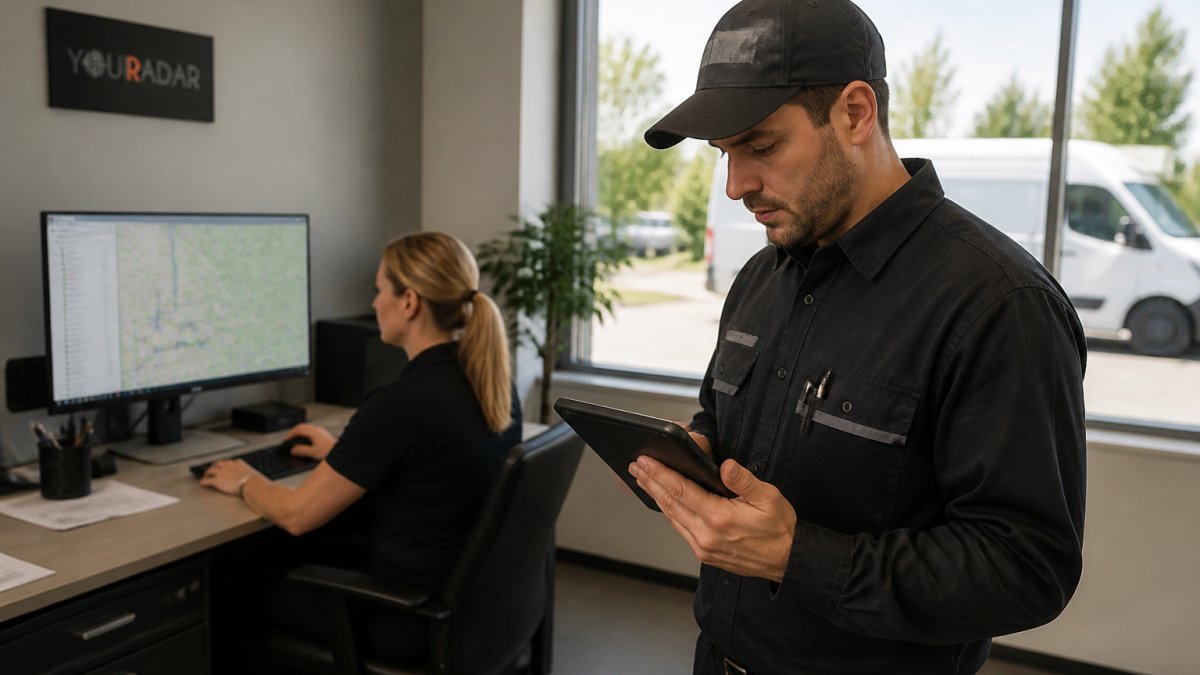
Zone before you assign. Divide your service area into dispatch zones that reflect real drive times, not just postal-code boundaries. A zone that looks compact on a map can hide a river crossing or a rail line that adds 20 minutes.
Sequence in one direction, not a zig-zag. Once a technician has jobs in a zone, sequence them so the day flows in a loop rather than bouncing back and forth.
Protect urgent capacity. Hold one or two slots per technician per day for same-day calls. If you fill every slot, an emergency forces a full re-sequence and blows up every downstream window. A held slot costs a little idle capacity but saves far more in avoided re-routing and customer complaints.
Confirm parts and skills before the van rolls. A return trip for a missing part doubles travel for that job and often pushes the next two appointments late. Build a pre-dispatch check: does the technician have the required certification for this job type, and are the expected parts on the van? This is where dispatching and skill-based routing overlap, and it is the cheapest fix available.
Measure windshield time, not just jobs completed. Track drive time as a percentage of paid hours per technician per week.
Use dispatch software that shows travel time, not just distance. A map that shows pins is not a dispatch tool. Look for live travel-time estimates that update with traffic and a mobile view technicians can actually read in a van.
Run a weekly dispatch review: pull the three technicians with the highest drive-time percentage, look at their route maps side by side, and ask what caused the extra travel. The pattern is usually one of three things: cross-zone assignment, poor sequencing, or a missing part. Each has a different fix.
Dispatch is where routing gets real. The habits above are not complicated, but they only stick if the dispatcher has the data to re-sequence without chasing approvals. For a dedicated walkthrough, read our guide on how to reduce drive time for service technicians.
These dispatching habits are the concrete moves that shrink the gap between jobs.
| Practice | What to do | Why it matters |
|---|---|---|
| Zone before you assign | Build dispatch zones from real travel-time data, not postal codes | Prevents sending a technician across three zones for one call |
| Sequence in one direction | First job farthest from depot, last job heads back toward home | Avoids zig-zag kilometres from first booked, first served |
| Protect urgent capacity | Hold one or two same-day slots per technician per day | An emergency otherwise forces a full re-sequence |
| Confirm parts and skills | Pre-dispatch check of certification and expected parts on van | A return trip for a missing part doubles travel |
| Measure windshield time | Track drive time as a percentage of paid hours weekly | Exposes routes that need re-sequencing |
| Use travel-time software | Live travel-time estimates that update with traffic | A map of pins is not a dispatch tool |
Reducing Fuel Costs for Field Service Fleets on Every Route
Fuel is a direct function of distance and idling. Fewer kilometres and less engine-on-waiting both cut the bill.
Measure fuel per completed job, not per van per month. Monthly fuel totals hide the variation that matters. Pull fuel receipts or telematics data and divide by completed jobs for each technician and each zone.
Attack idling with arrival windows, not just reminders. Idling is often treated as a driver habit, but it is usually a scheduling problem. If arrival windows are too wide, technicians arrive early and wait with the engine running for heat or air conditioning.
Route familiarization pays off in fuel. Technicians who know a zone drive tighter, less wasteful paths. They know which turn is blocked at school pickup time, which industrial park has a back entrance, and which street looks shorter but dead-ends.
Maintenance is a fuel decision. Tire pressure, wheel alignment, air filters, and scheduled servicing all affect fuel burn. A van with underinflated tires and a dirty filter burns more on every route, and the cost compounds across a fleet.
The shortest distance is not always the cheapest route. Chasing the shortest distance can backfire if it routes technicians through heavy traffic, construction, or a left-turn-heavy corridor. Time saved at the wheel matters more than kilometres on the odometer because idling in traffic burns fuel without covering distance.
Consider the vehicle mix. Not every job needs a full-size van. A smaller vehicle for close-in, parts-light calls can cut fuel per job meaningfully, and right-sizing the fleet is a lever many operations overlook.
Do not set fuel targets that encourage technicians to skip maintenance or rush between jobs. Fuel savings that come from deferred servicing or unsafe driving are not savings; they are deferred costs. Tie any fuel goal to safe-driving and maintenance compliance.
Fuel cost is one of the few line items you can reduce without touching labor rates or parts prices. Measure it per job, fix the scheduling causes of idling, keep the fleet healthy, and make route choices on time rather than distance.
Skill-Based Routing: Matching the Right Technician to the Right Job
The fastest route is useless if the wrong tech shows up. Skill-based routing assigns jobs by certification, experience, and parts on hand, not just proximity. That cuts second visits, which are pure lost margin.
Build a simple skill matrix: list each technician against the job types they can complete solo. Then match before you map. A junior tech sent to a job needing a licensed gas fitter means a callback and a wasted trip. Matching right the first time protects the schedule and the customer.
This is where scheduling and routing meet. Efficient technician schedules start with the right person on the right ticket, then optimize the path between them.
Dynamic Re-Routing When Emergencies Break the Schedule
Schedules break. A burst pipe, a no-heat call in a cold snap, or a van breakdown can wreck a clean route in minutes. Dynamic routing rebuilds the day on the fly instead of forcing techs to abandon the plan.
The move is to re-sequence, not restart. When an emergency lands, find the nearest qualified tech, slot the call in with the least added travel, and push lower-priority jobs later. Keep the customer informed so a shifted window does not become a complaint. During emergencies, clear field-to-office communication matters as much as the map itself, which is why we cover it in our piece on field team communication during emergencies.
Connecting Route Data to Your CRM and ERP Systems
Route data trapped in one tool wastes its value. When job, time, and mileage data flow into your CRM and ERP, invoicing and payroll stop being manual chores. That connection is often the difference between a busy shop and a profitable one.
Look for a platform where dispatch, timesheets, and billing share one source of truth. YourRadar is a mobile-driven workforce management platform with dispatch mapping and automated timesheets, designed to help bring hours and billing data together. Its in-house development team provides ongoing support. If you want the full picture of wiring route data into your workflows, see our 7 steps to improve field service dispatching workflows.
Request a Demo to See Your Routes on a Live Map
Reading about routing only gets you so far. Seeing your own technicians on a live map, with drive time and job status in one view, makes the savings obvious.
Many operators know they are losing time but cannot see where. YourRadar’s dispatch mapping shows where technicians are, its automated timesheets support billing and auditing, and its simple interface is designed for non-tech-savvy employees. YourRadar is backed by KDI’s more than 25 years of industry experience.
Get started with YourRadar to see where your technicians spend their time. Request a demo to see your routes on a live map.
Frequently Asked Questions
What are the benefits of route optimization for field service businesses?
Route optimization cuts travel distance and travel time between jobs, which directly reduces fuel consumption and lets technicians complete more calls per day. It also improves technician utilization, shortens response windows against service level agreements, and lowers CO2 emissions from fewer kilometers driven. For small HVAC and plumbing shops, the biggest gain is usually billable hours: less time behind the wheel means more time on site, and cleaner route records make billing and auditing simpler.
What is the difference between static and dynamic route optimization?
Static route optimization builds a plan before the day starts, based on booked jobs, locations, and technician skills. Dynamic routing recalculates during the day when an emergency call, cancellation, or delay appears. Most trades businesses need both: a static morning plan for stability, plus dynamic re-routing so a burst pipe does not wreck the afternoon. Dispatch software with real-time tracking can help speed up that recalculation.
How does real-time tracking help in optimizing technician routes?
Real-time tracking shows where each technician actually is, which lets a dispatcher assign the nearest qualified person to a new call instead of guessing. It also surfaces route familiarization gaps, traffic delays, and idle time you would otherwise miss. YourRadar’s dispatch mapping gives dispatchers a live view of technician locations alongside automated timesheets.
How can I reduce fuel costs for my field service fleet?
Start by measuring kilometers per job, then group calls by zone so technicians work clustered stops instead of crossing the service area twice. Route planning that sequences stops by travel time, not just distance, helps most. Keep maintenance scheduling current on every van, since a poorly maintained fleet burns more fuel. Avoid idling during paperwork by moving timesheets and job notes into a mobile app. Together these steps cut mileage reduction and transport costs without buying new vehicles.